How to A/B test subject lines by replies, not opens
Judge a subject line test by replies, not opens. Opens are recorded by mail apps that load images on their own, so an open-based test often measures the mix of mail apps on each side rather than the subject. Email Digit splits the audience between two subjects and its campaign report compares them by reply rate, counting only real replies, never out-of-office messages or sales pitches.
Why open-based tests mislead
An open is recorded when the tracking image in an email loads. Several mail apps and privacy features now load images before anyone looks, Apple Mail Privacy Protection among them, and some security scanners do the same. The open is recorded whether or not a person read the message.
So when subject A “wins” on opens, part of that result is only which side happened to get more readers whose mail app opens everything. The difference looks like a finding and is often noise, and you carry it into every subject you write afterwards.
What to measure instead
Measure something a person has to choose to do. For a subject line whose job is to start a conversation, that is a reply. Replies cannot be faked by image loading, and a reply is about as clear a signal of attention as email offers.
The trade-off is volume. Replies are rarer than opens, so you need more sends before a difference means anything. Some worked arithmetic, assuming a 2% reply rate:
| Sends per subject | Expected replies per side | How to read a gap |
|---|---|---|
| 50 | About 1 | Meaningless; one reply decides it |
| 500 | About 10 | A gap of two or three replies is still noise |
| 2,500 | About 50 | A large, consistent gap starts to mean something |
A few habits make any test more trustworthy:
- Change only the subject. Same body, same sender, same send time.
- Send both versions at the same time, so the day and hour do not favour either.
- Leave auto-replies out of the count, or an out-of-office season can decide your winner.
- Repeat a result before you treat it as a rule.
How the test works in Email Digit
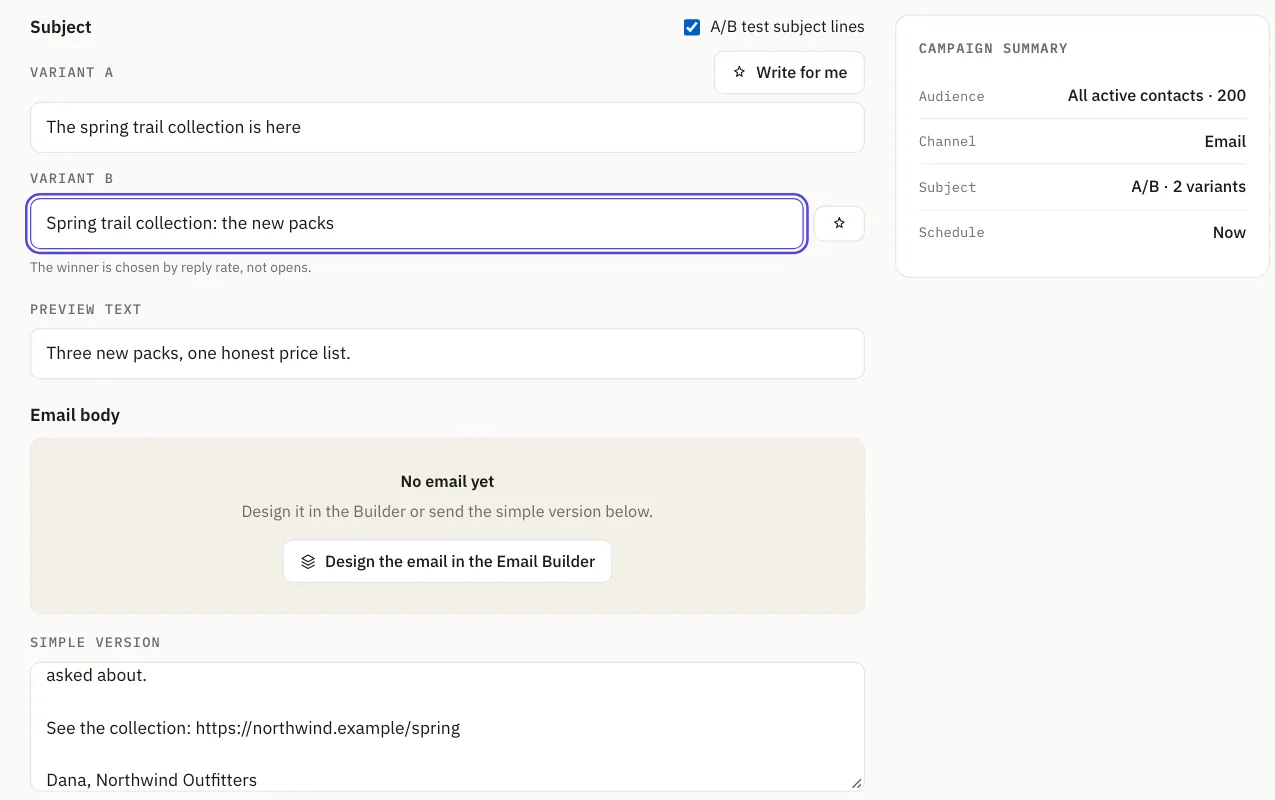
Turn on A/B in the campaign composer and write a second subject. Recipients are split between subject A and subject B by a fixed rule, so the halves come out close to even and the same contact always lands on the same side. Everything else about the email is identical.
The campaign report shows, for each subject, how many were sent, how many replied and the reply rate, so you compare the two on conversations started. The report also shows a winner label, but that label is set early, as soon as each side has 10 sends, usually before most replies have arrived. Judge the test by the reply counts, not by the label.
What counts as a reply
The reply rate behind the verdict is strict. It counts replies from recipients within 30 days of their send, and leaves out replies that are recognised as not being about your campaign:
- Out-of-office replies
- “Wrong person” replies
- Vendor pitches and spam that arrive in the same mailbox
- Messages from people writing to you unprompted rather than replying
An out-of-office reply cannot win a test. A reply that has not been classified still counts, because a number that silently drops everything it is unsure about is no more honest than one that counts everything.
Reading a result
Suppose a campaign goes to 1,200 people, so about 600 see each subject. Subject A gets 9 replies and subject B gets 21. B’s reply rate is 3.5% against A’s 1.5%, and the gap is wide enough to take seriously. Had the counts been 9 and 11, B would still have the higher rate, but you would be right to treat it as a tie and test again. The rates tell you which number is higher; the counts tell you whether the difference is worth acting on.
The result carries forward
Duplicate a campaign whose test has a winner label and the copy starts with that subject, as a single-subject campaign. If there is no label yet, the copy keeps both subjects. Because the label is set early, check the reply counts first, and change the subject in the copy if they point the other way.
Limits
- The winner label is not a verdict. It is set once both sides reach 10 sends, which can be before many replies have arrived. Look at the reply counts in the report. If they are small, treat the test as unsettled, including before you duplicate it.
- It is a full split. Each half of the audience receives its own subject. There is no small test group followed by sending the winner to everyone else.
- Subjects only. The test compares two subject lines on the same email; it does not test different bodies.
- Replies only count for 30 days after each send, the same window used for every reply rate in Email Digit.
A subject line’s job is to start a conversation, so measure conversations. Read more about how replies are read and sorted, or the guide to sorting every reply.