Shared sending reputation and the per-account pause
When many senders share a platform, one account’s bad list can hurt everyone’s inbox placement unless the platform can tell who caused the damage. Email Digit ties every complaint and hard bounce to the account that sent the message, and pauses sending for that one account if its spam complaints pass 0.3% or its hard bounces pass 5% over 30 days, once it has at least 500 sends in that window.
Why reputation is shared
Mailbox providers decide where your email lands partly on who you are and partly on where the mail came from. Your domain carries its own reputation. The sending servers and addresses carry another, and on most email platforms many customers send through the same ones.
That is usually fine, and it is how a small sender gets the benefit of an established setup. The risk is the neighbour. One customer who uploads a bought or scraped list produces a burst of spam complaints and bounces, and the providers see it coming from the same place as your newsletter. If the platform cannot say which customer caused it, its only possible response is platform-wide, and every customer pays for one list.
The two numbers that matter
| Signal | What it means | Why providers care |
|---|---|---|
| Spam complaint rate | Recipients who pressed “Report spam”, as a share of messages sent | The clearest sign that people did not want the mail. Google asks bulk senders to stay below 0.1% and never reach 0.3% |
| Hard bounce rate | Messages refused because the address does not exist, as a share of messages sent | A high rate suggests an old, bought or guessed list |
Both are rates, and rates on small numbers mislead. One complaint out of 20 messages is 5%, which says almost nothing about the list. That is why any fair rule needs a minimum volume before it acts.
How Email Digit handles it
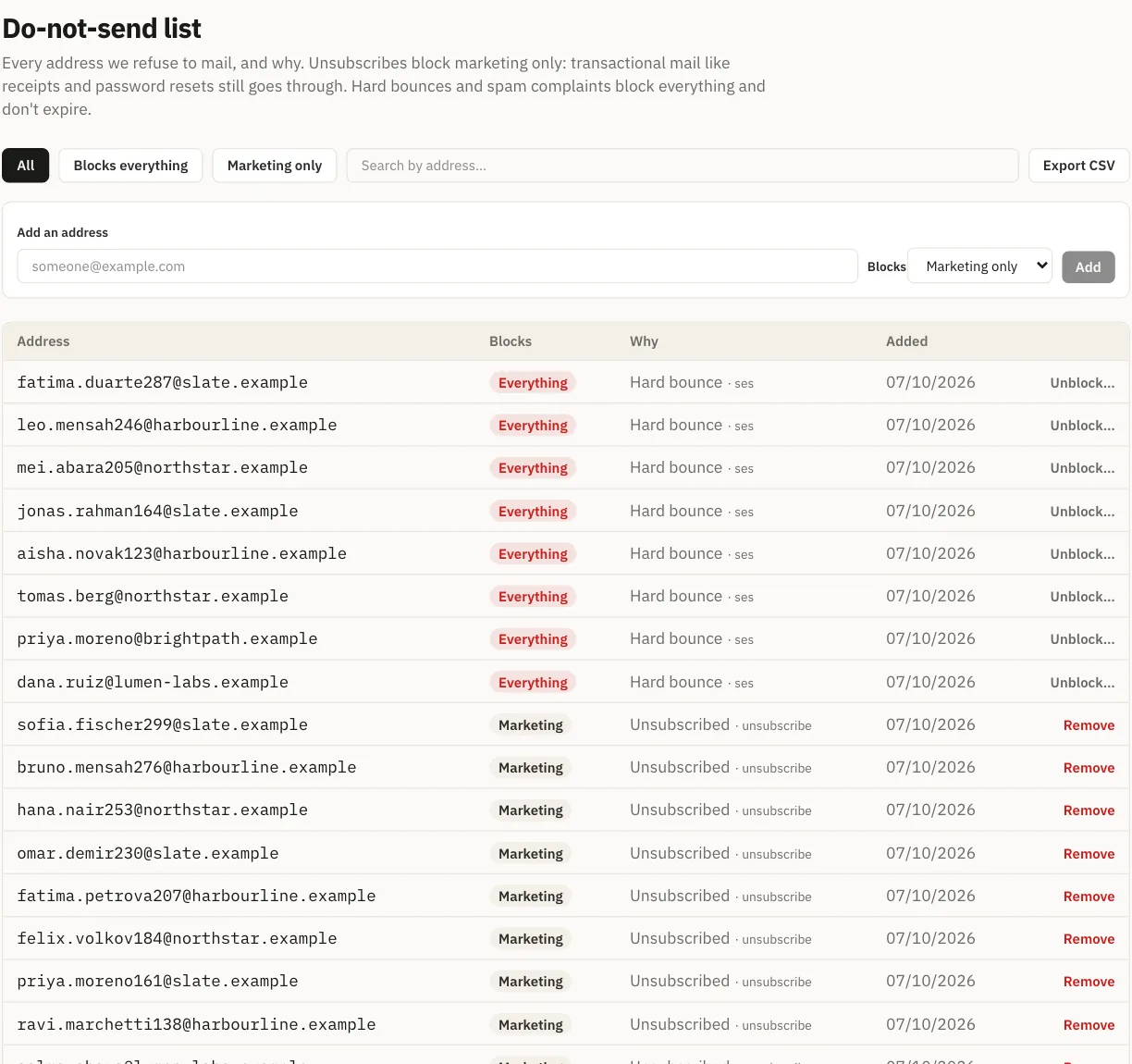
Attribution first. Every bounce and complaint is tied to the account whose send caused it. The address is also suppressed at once: a hard bounce or a complaint stops all future mail to that address from that account, so the same mistake cannot repeat.
Then a clear line. On a schedule, each account’s rates are worked out over the last 30 days. If an account with at least 500 sends in that window is above either limit, sending is paused for that account:
- Spam complaints above 0.3% of sends
- Hard bounces above 5% of sends
Below 500 sends nothing is paused automatically, so a few bounces on a small first campaign do not trip it.
The account is told why. A pause with no reason is useless to the person who has to clean the list. The notice gives the numbers, for example (figures invented):
Sending paused automatically: 0.42% spam complaints across 2,380 messages
in the last 30 days.
It goes on to say what usually causes this (contacts who never opted in, a purchased or scraped list, people who have gone cold), what fixes it, and invites you to reply so someone can go through the list with you. You can still sign in and see your data while sending is paused.
Everyone else keeps sending. Their deliverability is not spent on someone else’s list.
Earlier guards, before it gets that far
The pause is the last line, not the first. Two limits act much earlier:
- A new account starts small. It can send to 200 recipients a day, then 1,000, then 5,000, and only climbs after sending cleanly. Held mail goes out at the next reset; nothing is dropped.
- Campaign sending warms up. The daily ceiling starts at 50 and rises only on days when bounces and complaints stayed low. It is tracked per account, so several new domains share one ramp.
A bad list sent through these limits shows itself on a few hundred messages rather than on fifty thousand.
Limits, and how to stay well clear
- Rates are only as complete as the reports. Not every mailbox provider reports individual complaints back to the sender, so a measured complaint rate is a floor, not a full count.
- It is checked on a schedule, not message by message. The pause follows the 30-day rates, not any single complaint.
- The pause does not lift itself. It is cleared by our team once the cause is dealt with, which is why the notice asks you to reply.
A practical way to watch your own numbers: after each campaign, divide hard bounces by messages sent. If a new import pushes that toward 2%, the most a new account here can bounce and still climb to a higher daily limit, stop and look at where the list came from before sending to the rest of it. Complaints are harder to see, which is one more reason to keep lists clean before the numbers tell you.
To stay far from either line:
- Email only people who asked to hear from you, and keep the record of how they signed up.
- Never import a bought, rented or scraped list.
- Stop sending to contacts who have not clicked, replied or bought in months.
- Make unsubscribing easy; a frustrated reader who cannot leave presses “Report spam”.
Shared reputation needs per-sender accountability, or nobody is protected. Read more about deliverability in Email Digit, or check your domain for free.