Six ways an email automation can start
Pick the trigger by asking one question: what is the moment that should start this? A change in who someone is (they joined a group, got a tag), something they did (replied), a date on their record, or something your app saw (they signed up). Email Digit gives a flow six ways to begin, and all six sit on the same canvas and run on the same engine.
State triggers and event triggers
Every automation tool has some version of this split, and it explains most surprises:
- State triggers describe what is true about a contact: in this segment, has this tag, has a birthday today. Software has to check that state, so there is usually a short delay, and you have to decide what happens to people who already match when the flow goes live.
- Event triggers describe something that happened: a reply arrived, your app reported a signup. They fire when the event arrives, and only for that person.
If the timing matters to the minute, such as a welcome after signup, use an event. If the flow is about a condition that lasts, such as being a lapsed customer, use a state. When both would work, the event is usually the more precise choice, because it says exactly when and for whom.
The six triggers
| Trigger | Starts when | Good for |
|---|---|---|
| Manual | You enrol someone yourself | One-off groups, testing |
| Joins a segment | A contact becomes part of a segment | Lapsed, at-risk or new contacts |
| Has a tag | A tag is added to a contact | Interests, sign-up sources, sales stages |
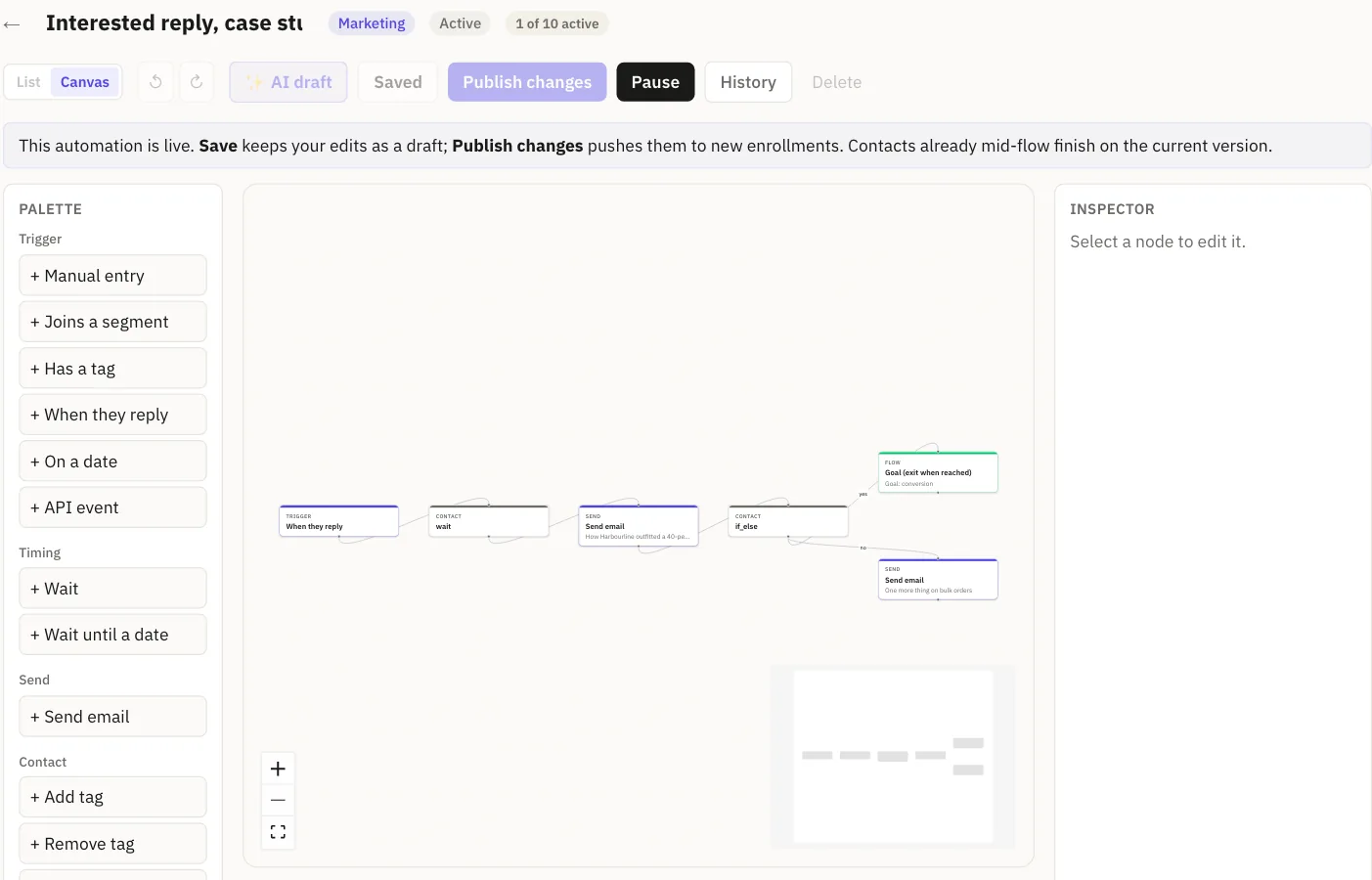
| When they reply | A reply arrives that matches what you filtered on | Following up interest, routing complaints |
| On a date | A date stored on the contact comes round | Birthdays, renewals, trial ends |
| API event | Your app reports that something happened | Signups, a first project, a trial starting |
What each one does in practice
Manual
Nobody enters on their own. You enrol people one at a time from the flow’s Test drive panel or through the API. Use it to try a flow on yourself, or for a group you choose by hand.
Joins a segment
Pick one of the built-in segments, such as contacts who have gone quiet. Membership is checked in the background on a schedule, so someone who starts to match enters at the next check, not that second.
Has a tag
A tag added to a contact can start the flow straight away, without waiting for a scheduled check. Tags written in bulk, such as by an import, are picked up by the background check instead. Tag flows are marketing flows, and only subscribed contacts with an email address enter.
When they reply
A reply starts the flow when it matches the filters you set on the trigger: the reply’s intent (interested, a question, not now and so on), its sentiment, and a minimum priority score. The sender has to be one of your contacts. For conditions on more of a reply’s readings, such as a risk flag or the sender being a vendor, use the reply rules on the Automations page instead.
On a date
Choose a date field stored on the contact, such as a birthday or renewal date, and how many days before or after it to start. It can run once, or every year, in which case each contact enters once a year.
API event
Your app fires the flow with one request. The trigger key is whatever name you gave the flow:
curl -X POST https://api.emaildigit.com/api/automation-flows/events \
  -H "Authorization: Bearer $ED_API_KEY" \
  -H "Content-Type: application/json" \
  -d '{
    "trigger_key": "user.signed_up",
    "to": "sam@example.com",
    "variables": { "first_name": "Sam" },
    "idempotency_key": "signup-8841"
  }'
The answer is 202 Accepted, and the first step runs at once. Sending the same idempotency_key again returns the original enrolment instead of starting a second one. If the address belongs to one of your contacts, the enrolment is linked to them, so conditions and goals can use their history. A known contact goes through a given API-event flow once, so a second event for them returns 409; for email that repeats per order or per reset, use the transactional send API instead.
Who enters when you switch it on
For the state triggers (segment, tag and date) you choose who enters when you activate the flow:
- Only new contacts, the default. People already in your account when you activate are not swept in, which stops a new flow from emailing your whole list on day one.
- Everyone who matches now, and later. Use this when you mean it, such as a win-back aimed at people who are already lapsed. The confirmation tells you the segment’s current size.
Either way, a contact enters a given flow once. A yearly date flow is the exception: once a year.
Limits
- API events need a key with the
email:sendscope (or a key with no scopes set, which has full access), and they start transactional flows only, not marketing ones. - The canvas reply trigger filters on intent, sentiment and minimum priority only.
- Segment and date entries are checked on a schedule, so they are not instant.
Once you know how a flow starts, decide how it should end. See Stop automation emails once someone buys for goals and branches, and be the first contact through it before anyone else is.