Build a brand kit from your website, without invented colours
To build an accurate brand kit from a website, take colours and fonts from what the site’s code actually uses, write the tone from the site’s own words, and throw away anything an AI suggests that the site does not contain. When a site cannot be read, say so, rather than filling the gap with a brand that only looks plausible.
Why AI brand extraction goes wrong
Asking an AI to describe a brand from a website sounds straightforward. In practice it fails in a few predictable ways:
- It designs instead of reading. Given thin evidence, a model will often propose a tasteful palette that suits the business. A purple and gold site can come back teal, because teal seemed right for the industry.
- It picks the wrong colour from the code. Websites built on common frameworks carry whole default palettes in their stylesheets. Counting the most frequent colour can crown a framework default, or the red used for error messages, as your primary colour.
- It reads a wall instead of the site. Many sites show automated visitors a bot check or an almost empty page. A model given that page will still produce a confident answer.
- It invents a voice. A site with three headlines and a contact form does not reveal a personality. Ask for one anyway and you get adjectives that could describe any company.
Each of these produces something that looks finished. That is the danger: a wrong brand that looks right gets used.
What a usable brand kit contains
| Part | What it should capture |
|---|---|
| Colours | A primary and an accent with clear roles, plus text, background and border colours |
| Fonts | Heading and body fonts the site really loads |
| Logo | The logo image, for headers and footers |
| Tone | Personality, formality, words to prefer and avoid, do’s and don’ts, example phrases from the site, and how much emoji to use |
The tone matters as much as the colours. An email in the right colours that sounds like someone else is still off-brand.
How Brand Studio builds one
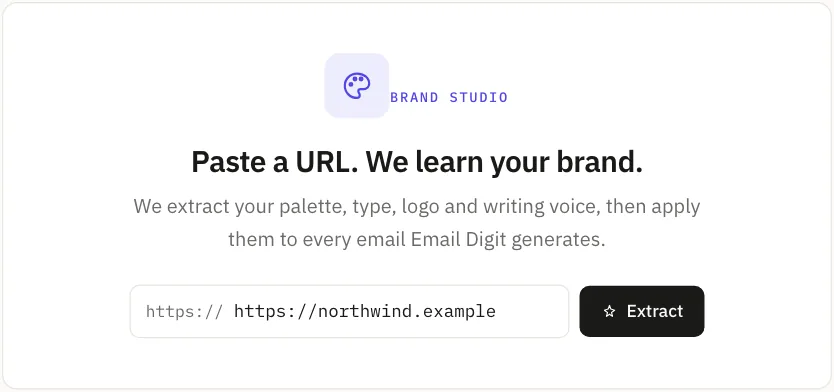
Paste your site’s address into Brand Studio. It reads the page and its stylesheets, pulls out your colours, fonts and logo, and writes a tone profile covering everything in the table above. A rules-based pass always runs first and produces a complete baseline from what was found on the page. The AI result is then layered on top of it. Each profile says how it was made: “Extracted by AI” or “Extracted by rules”.
Then come the checks that keep the AI honest:
- Colours must exist on your site. If the AI proposes a primary or accent colour that is not close to any brand colour actually used on the site, Brand Studio discards it and keeps the one that was found.
- Fonts must be ones your site uses. A heading or body font the site never references is replaced the same way.
- A thin site gets a plain voice. When the site has too little text to support a personality, the parts of the tone profile that assert one (personality, formality, voice traits, example phrases) fall back to a generic starting point you are meant to edit, rather than a personality the AI made up.
When a site cannot be read
Some sites block automated visitors entirely. When Brand Studio gets back no colours and no fonts at all, it does not ask the AI to guess. It gives you editable starter defaults, labelled “Could not read site, starter defaults”, and marks the profile as starter defaults in your list so it cannot be mistaken for a real extraction.
Activating those defaults asks you to confirm first, because it means using generic styling as your brand. The better path is to edit the colours and fonts by hand, or try a different page of your site.
What to check before you activate a profile
- The primary colour. It should be the colour people associate with you, not a colour your site happens to use a lot.
- The fonts. Many mail clients fall back to a standard font when a web font cannot load, so check the fallback reads well too.
- The words to avoid. Add the ones your team already argues about. The extraction can only learn from what is on the page.
- The example phrases. They are lifted from your own pages, so they should sound familiar. If they do not, the site was probably not read properly.
Why it matters, and its limits
The active brand profile is the look and voice that Email Digit applies when it writes for you, such as generating an email in the Message Builder or drafting a reply. A wrong colour there is wrong in every email that follows, which is why the profile is built to admit what it did not find.
- It does not read every site. Some sites block automated reads, and pages that only appear after scripts run may come back thin.
- It uses your AI allowance. Each extraction counts toward it.
- Review before you activate. Every colour, font and tone field can be edited. Evidence-based is not the same as perfect.
A brand tool earns trust by admitting what it did not find. To try it on your own site, start a 14-day trial.